
Why Is Live Streaming So Complicated? A Simpler Way to Go Live
A live stream looks like one clean video feed, but behind it sit a dozen moving parts that all have to fire at once. Here is why going live gets so complicated, and what changes when one accountable team owns every link in the chain.
 Cover Image
To the audience at home, a live stream looks like the simplest thing in the world. A speaker walks on stage, the picture is sharp, the audio is clean, and the broadcast just runs. That simplicity is both the goal and the illusion. Behind one smooth feed sits a chain of systems that all have to fire at the same moment, with no second take and no pause button. When a stream goes wrong, it's almost never the camera. It's one link in that chain that failed while nobody was watching it.
If you've ever watched a stream freeze, buffer, drop to a single locked-off camera, or vanish from one platform while it kept running on another, you've seen a link give way. The good news: these failures are predictable, which makes them preventable. Here's where live streaming actually gets complicated, and how one team across Broward, Miami-Dade, and Palm Beach keeps it simple.
The Internet Is the First Thing to Break
Every live stream rides on one fragile assumption: that the connection leaving the room will hold steady for the whole broadcast. Venue Wi-Fi won't. A shared house network won't. The moment a few hundred attendees pull out their phones, the bandwidth you tested at 8am is gone. A stream that looked flawless in rehearsal starts to stutter, and you can't call a timeout in front of a live audience.
The answer is redundancy, not optimism. A professional setup runs a primary hardwired connection with a bonded cellular backup that takes over automatically if the main line drops, so one point of failure never becomes a dead broadcast.
That's also why we walk a venue before the event instead of trusting the floor plan. We find where the building's circuit lives, who controls it, and whether it's shared with point-of-sale systems or a hotel network that throttles after a certain hour. We test upload speed at the time of day the event will run, not at a quiet morning sound check, because the only number that matters is the one you have when the room is full. And if the primary and backup share one upstream provider, they aren't really two paths, so we confirm the failover rides a different carrier.
Multi-Camera Switching Without the Stumble
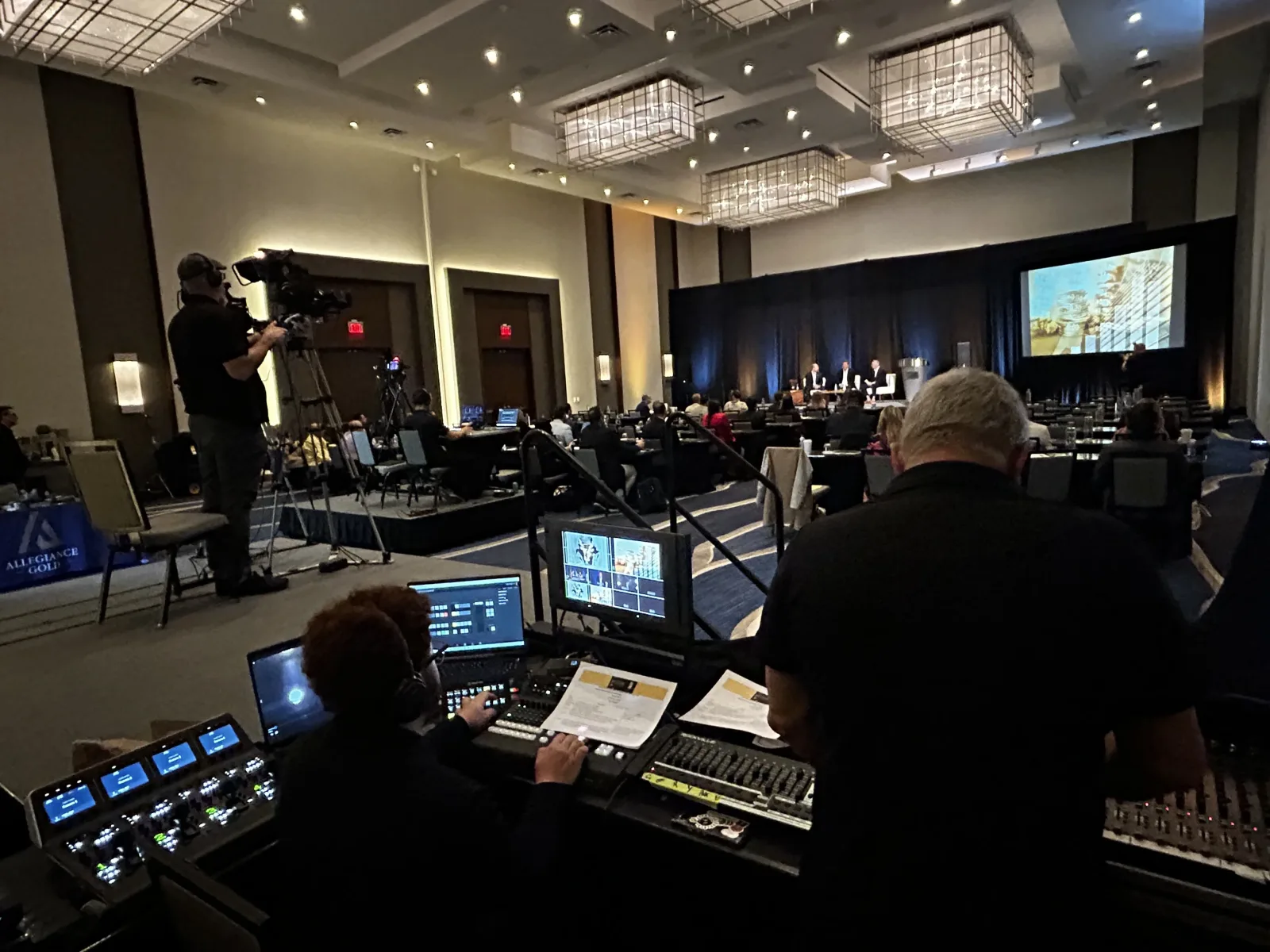
One camera gives you a recording. Several cameras cut together in real time give you a broadcast. That's a big difference for the viewer, and it's where a lot of streams get complicated. Add a second or third angle and you need a switcher, an operator calling shots, and every camera matched on color and exposure so the cut doesn't jar the audience.
This is live editing with no undo. A skilled switch keeps the energy moving, landing on the speaker for the key line, pulling wide for the room, pushing in for the panel exchange, without the audience ever thinking about the cameras. Pair that with professional video production and the stream stops looking like a webcam and starts looking like television.
Encoding: The Step Everyone Forgets
What is an encoder? An encoder is the hardware or software that compresses your camera signal into a stream small enough to travel over the internet and clean enough to watch. Platforms publish recommended settings for it, such as YouTube Live's encoder guidance, but the right values still depend on the actual room, network, and motion in your event.
Get the encode wrong and everything upstream is wasted. Set the bitrate too high and the stream chokes on a connection that can't carry it. Set it too low and the picture turns soft and blocky the moment anything moves. Encoding is a balancing act between picture quality, available bandwidth, and wherever the stream is headed, and it has to be tuned to the real room and network, not guessed from a default preset.
The settings that trip people up are the quiet ones. Keyframe interval, audio sample rate, and constant-versus-variable bitrate all change how a platform handles the signal, and a value that looks fine in a test can fall apart the instant the picture moves. A single seated speaker is forgiving. A dance performance, a fast-cut product demo, or a confetti drop is not, because every moving pixel demands more data per frame. Tune the encode to the hardest moment of the event, not the easiest, and the stream stays sharp when it counts.
Audio Is What People Actually Leave Over
Viewers will forgive a soft picture far longer than they'll forgive bad sound. A stream can run at lower resolution and still hold an audience, but the moment the audio drops, echoes, or buzzes, people close the tab. That makes audio the most unforgiving link in the chain, and the one most often treated as an afterthought.
Good live audio means pulling a clean feed straight off the room's mixing board, not letting a camera mic grab whatever bounces off the back wall. It means riding levels live so a soft-spoken panelist and a booming keynote both land at a consistent volume. And it means keeping the broadcast mix separate from the in-room mix, because the speakers in the hall and the headphones at home need very different things. When one team owns both the room and the stream, that separation is built in from the start instead of patched in after something already sounds wrong.
Distribution Across Platforms at Once
Most organizations don't want to go live in just one place anymore. They want the stream on their website, on a registration portal, and pushed to one or more social platforms at once, each with its own format, quality settings, and way of failing. Sending a single feed cleanly to several destinations is its own discipline, and it's where a do-it-yourself setup tends to collapse.
Done right, distribution reaches every audience without forcing your team to babysit four dashboards during the event:
- One clean source, many destinations. A single high-quality feed goes to each platform in the format it expects, instead of compromising every stream to the lowest common denominator.
- Platform-aware settings. Each destination gets the resolution, bitrate, and framing it rewards, so the stream looks intentional everywhere instead of cropped and soft.
- Live monitoring. Someone watches every output during the broadcast, so if one platform hiccups it's caught before the audience notices.
- A clean recording. The same production captures a high-quality archive you can repurpose, instead of scraping a compressed copy off a social feed.
Why It Falls Apart: Too Many Hands
Notice the pattern. The internet vendor assumes the production crew tested the upload. The camera team assumes someone else owns the encoder. The social manager assumes the stream will just appear. Each piece sits with a different person on a different contract, and the failures live in the gaps between them. That's the real reason live streaming feels so complicated: it's rarely one hard problem. It's a half-dozen connected problems with no single owner.
A live stream is only as strong as its weakest link, and the weakest link is almost always a handoff. When one team owns the internet, the cameras, the encode, and the distribution, there are no handoffs left to fail.
What Simple Actually Looks Like
Simple doesn't mean fewer moving parts. It means one team that owns all of them. When the same crew designing your live streaming also runs the event production in the room and ties the stream into your wider digital marketing, nothing falls through between contracts. The audio captured for the room is the audio that reaches the stream. The cameras feeding the broadcast are the cameras feeding the recap. One phone number owns the answer when something goes sideways two minutes before you go live. That same single-owner logic is what lets municipalities stream council meetings and public events reliably, which is why government and PEG channel work depends on one team owning the whole chain.
That's what 21+ years of running live events across South Florida buys you: not a promise that nothing will go wrong, but a team that has already planned for the moment it does. Live streaming is complicated. Your experience of it doesn't have to be.
Last updated